1. Data In
Background. Every habitat analysis starts by telling HABIT which images
and which tumour mask belong to which patient. Purpose. Each page turns
files or arrays you already have into a Cohort;
terms are defined on Load from directory.
The complete analysis
starts from a Cohort. Every route on this
section ends in one. Each page shows
two assemblies: Cohort([one_subject]) and Cohort([several_subjects]).
Pass that cohort to fit / fit_predict. A Python list is not a cohort.
Pick the page that matches the files you already have.
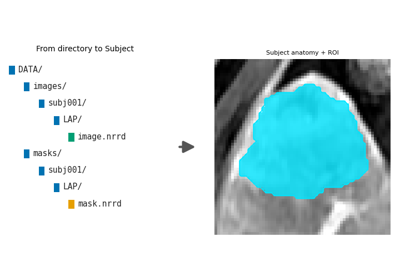
HABIT directory —
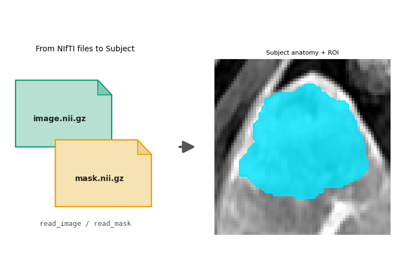
images/<subject>/<series>/<one file>andmasks/<subject>/<roi>/<one file>. One series or several. The mask folder name can differ from the series name. Load from directory.Loose NIfTI, NRRD, or MetaImage — one pair or many. You choose the series name and the ROI name. Image and mask grids may differ. Load from NIfTI files.
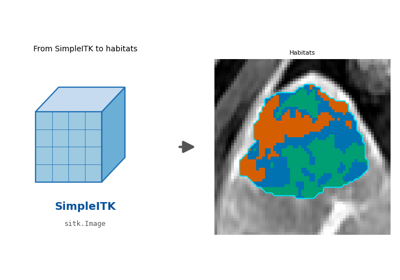
SimpleITK images already in memory — Load from SimpleITK.
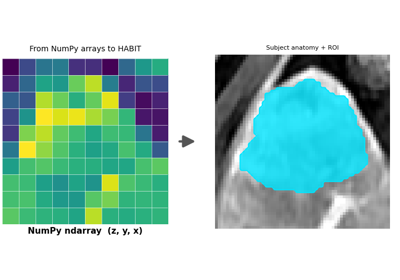
NumPy arrays or deep-learning tensors — axis order
(z, y, x), integer mask,0= background. Load from NumPy arrays.
DICOM, and series that still need resampling or bias correction, are not a load route. Preprocess them first (Preprocessing), then use the directory page. The official demo pack is already preprocessed.
read_image / read_mask accept what SimpleITK reads
(.nii, .nii.gz, .nrrd, .mha, .mhd).